
Linux Basics
An Adult Learning Class
Thursday, November 07
2:00pm - 4:00pm
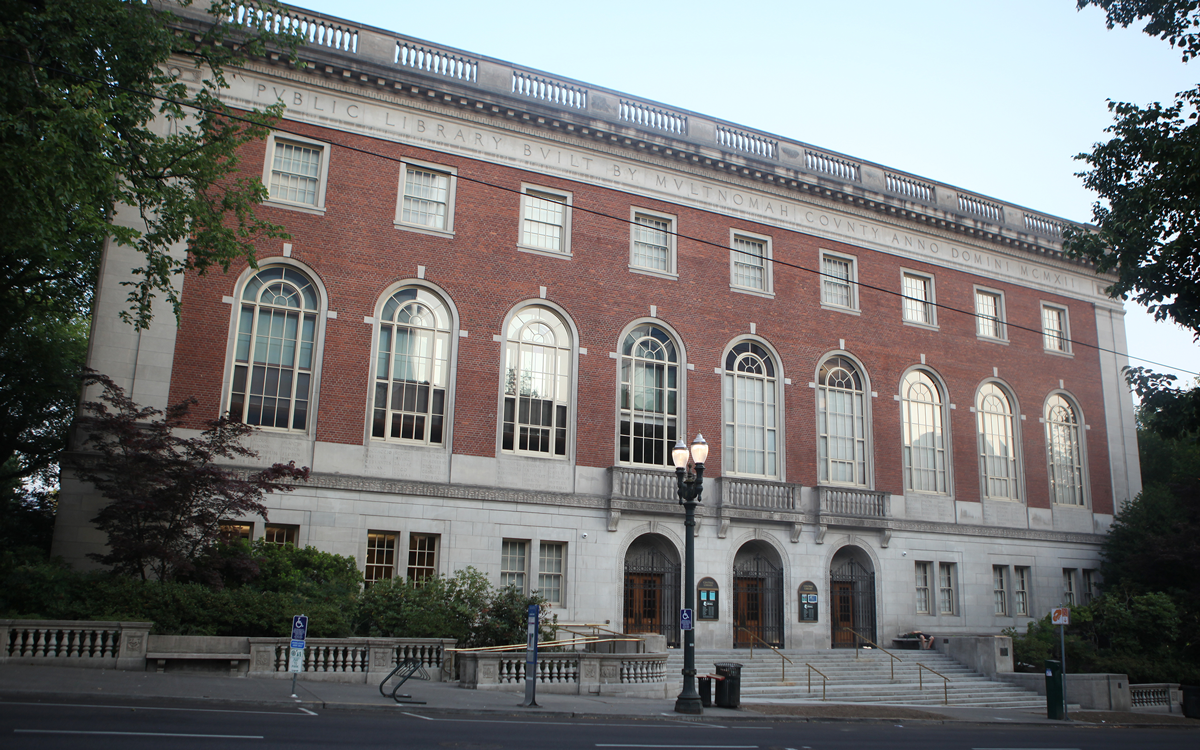
Central Library
Central Large Community Room 1APresenter: Staff/Volunteer Duration: 2 hours Max attendees: 5 Equipment: projector Set up: 30 min Take down: 15 min
This class is intended for beginners, or anyone who wants to learn more about the basic things you need to know to use your computer well. It does not assume any prior knowledge of computers. It is for people whose computer runs Linux/Mint. If you don’t know what system your computer runs, see the note below. This class covers how to use your trackpad or mouse, how to carry out basic operations, how to manage your documents and other files, and an introduction to several useful applications included with your computer.
You need to bring your computer to the class!
NOTE: There are three operating systems used on modern computers: Apple MacBook, Microsoft Windows, and Linux. This class is only for Linux users. If your computer is not a MacBook and doesn’t use Windows then it uses Linux, and probably Linux/Mint. If your computer came from FreeGeek, it probably uses Linux/Mint. Even if your computer uses a different flavor of Linux, this class will be useful.
Central Library
Central Library
| Mon, Aug 10 | 10:00AM to 6:00PM |
| Tue, Aug 11 | 12:00PM to 8:00PM |
| Wed, Aug 12 | 12:00PM to 8:00PM |
| Thu, Aug 13 | 10:00AM to 6:00PM |
| Fri, Aug 14 | 10:00AM to 6:00PM |
| Sat, Aug 15 | 10:00AM to 6:00PM |
| Sun, Aug 16 | 12:00PM to 6:00PM |